About This Product
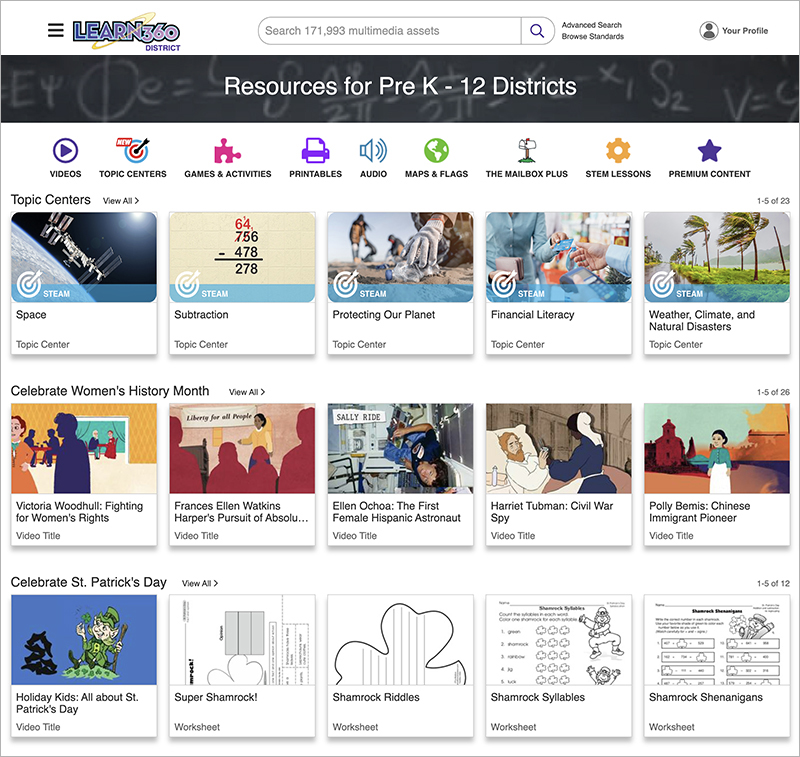
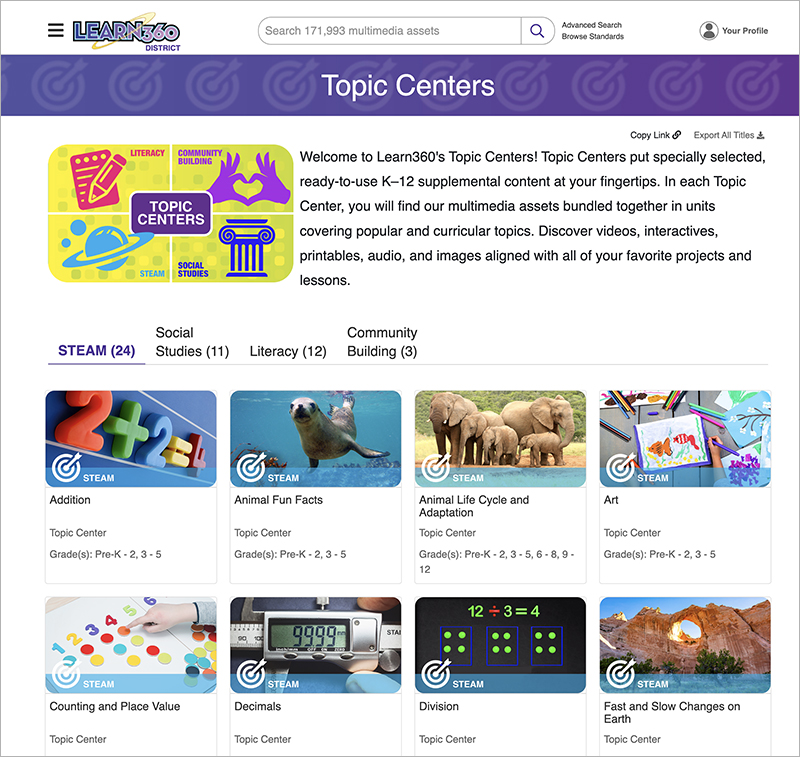
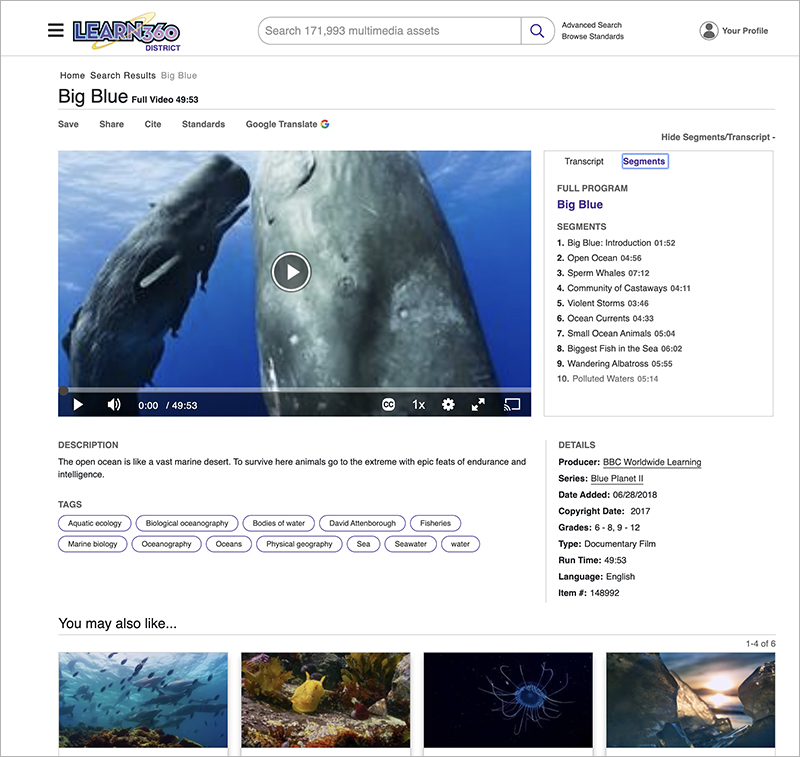
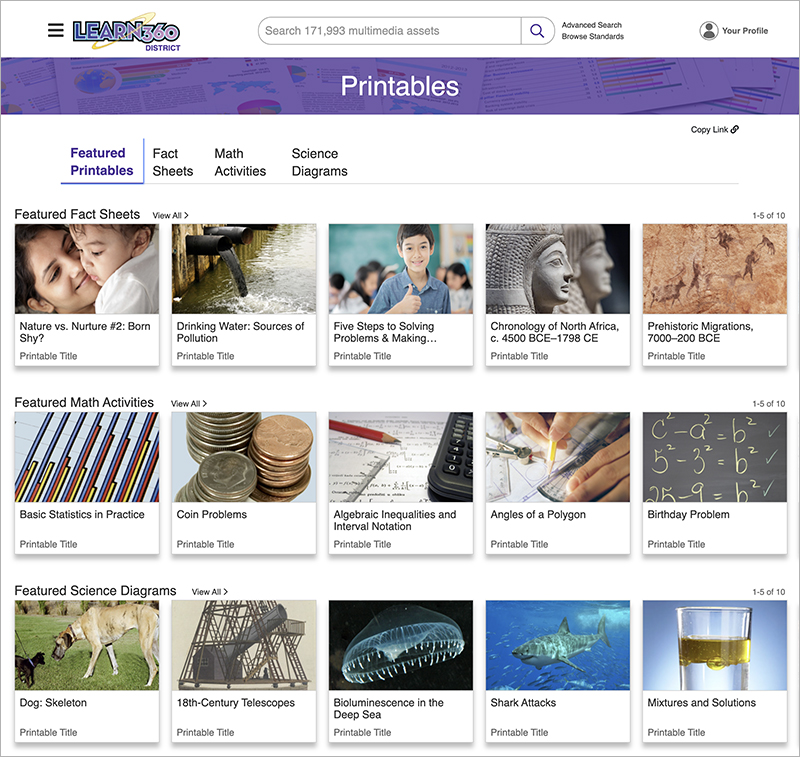
Learn360 is the ultimate streaming multimedia resource for K–12 schools—the complete district solution. Teachers, students, and parents can access more than 170,000 supplemental resources on any Internet-enabled device, anytime, anywhere through their school’s subscription. Learn360’s platform is carefully curated to make it easy to find the wealth of videos, interactives, printables, audio content, and maps and flags. With features designed by educators, the entire site can be filtered to highlight engaging content aligned to your school or district’s K–12 classroom needs. Plus, educators will love Learn360’s Topic Centers, which bundle together video, printable, and interactive assets in popular curricular subjects, allowing teachers to save time looking for appropriate materials and create dynamic lessons that will captivate their students.
Learn360’s enhanced, educator-designed platform makes it a powerful tool for all learners. Learn360 currently serves more than 22 million students in 26,900+ schools across the United States and Canada. With licensed and curated media from more than 600 top educational content providers—including PBS, National Geographic, HBO®, BBC Learning, Makematic, Reading Rainbow, and Sesame Street™—Learn360 has all of the multimedia resources to inform, engage, and inspire teachers, students, and parents.
Take a FREE TRIAL of Learn360 today!






 K-12 Schools & Districts